Screen recordings that look designed.
Your recordings never leave your Mac
Kiruna records, edits and renders entirely on your own machine. Nothing is uploaded, so there is no queue to wait in and no render farm holding your file. Capture needs no account and no connection, and the app is native on both Apple Silicon and Intel, which keeps a long take quick to scrub and quick to export.
The app that saves your time
Auto-zoom to every click
Kiruna follows your cursor and glides to each click on a smooth camera path. It lands as an editable zoom lane, so nothing is baked in.
Backgrounds that fit the shot
Drop your recording onto a macOS wallpaper, a gradient, or an exact colour by hex, then tune padding, corners, shadow and blur.
Every shape you need to post
One take, any shape. Go wide for a landing page, square for a feed, vertical for Reels, or straight to the exact size an App Store listing takes.
Record your iPhone too
Plug in a phone and capture it like any other source. Portrait takes get the device frame automatically.
Export up to 4K, or skip the file
Render to MP4, copy straight to your clipboard, or turn the take into a shareable link that opens in a clean player.
Nothing gets thrown away
Every take is saved on its own. Come back later and keep editing, with your zooms, backdrop and trims exactly where you left them.
Easy screen recordings
with Kiruna
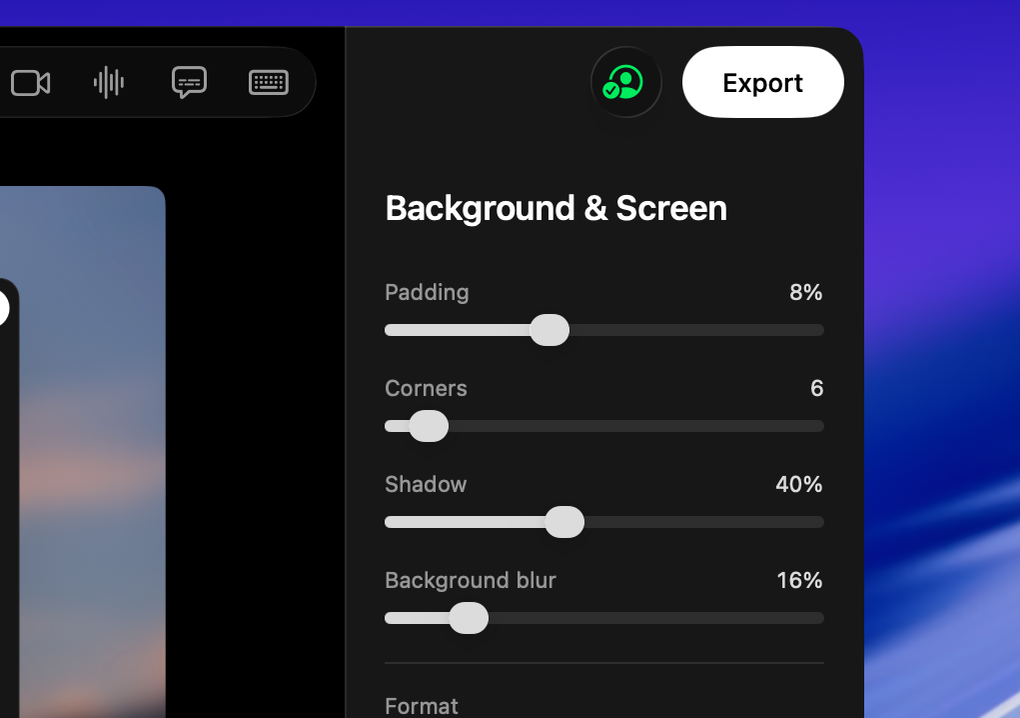
Shadow & inset
To adjust subtle details, change the shadow or inset of your video.
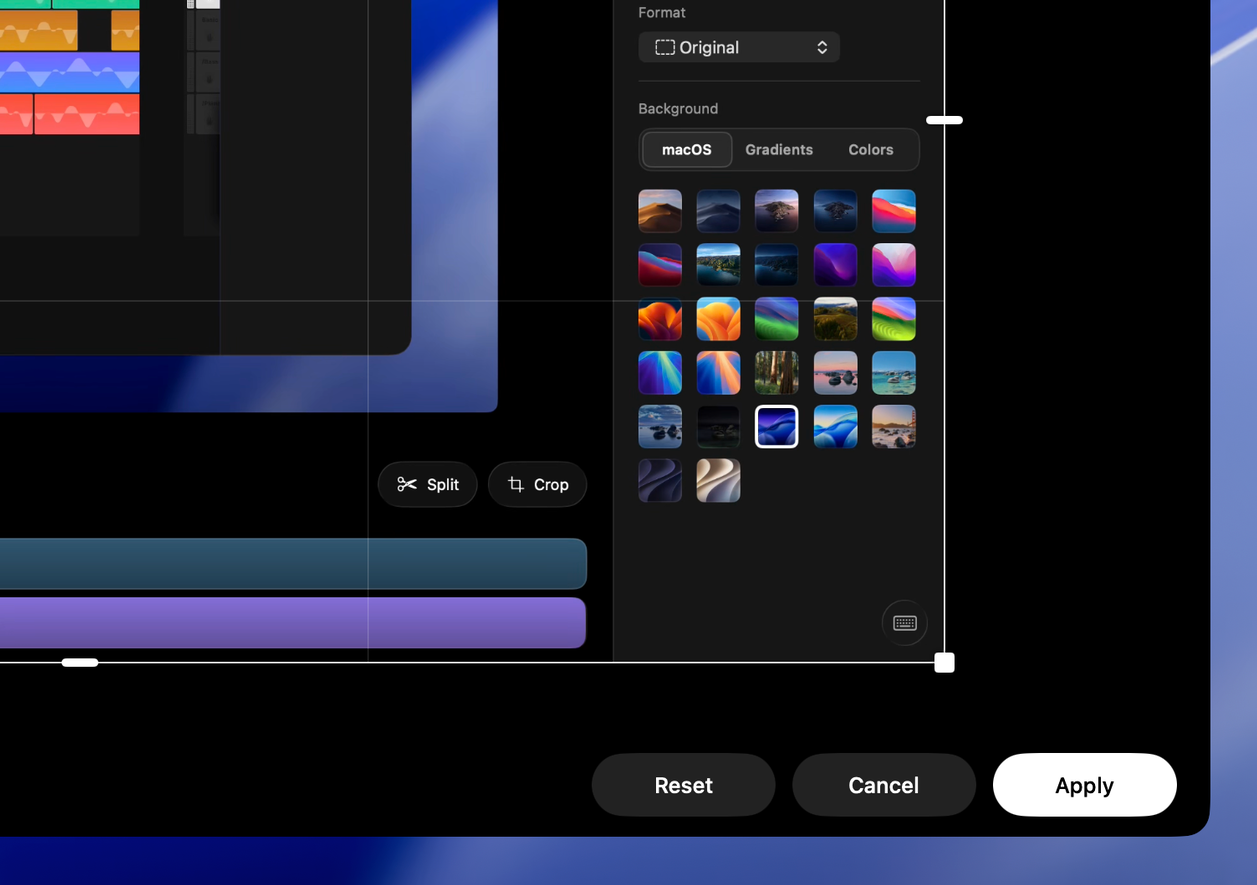
Cut your recordings
Easily trim, cut, or speed up parts of your recording.
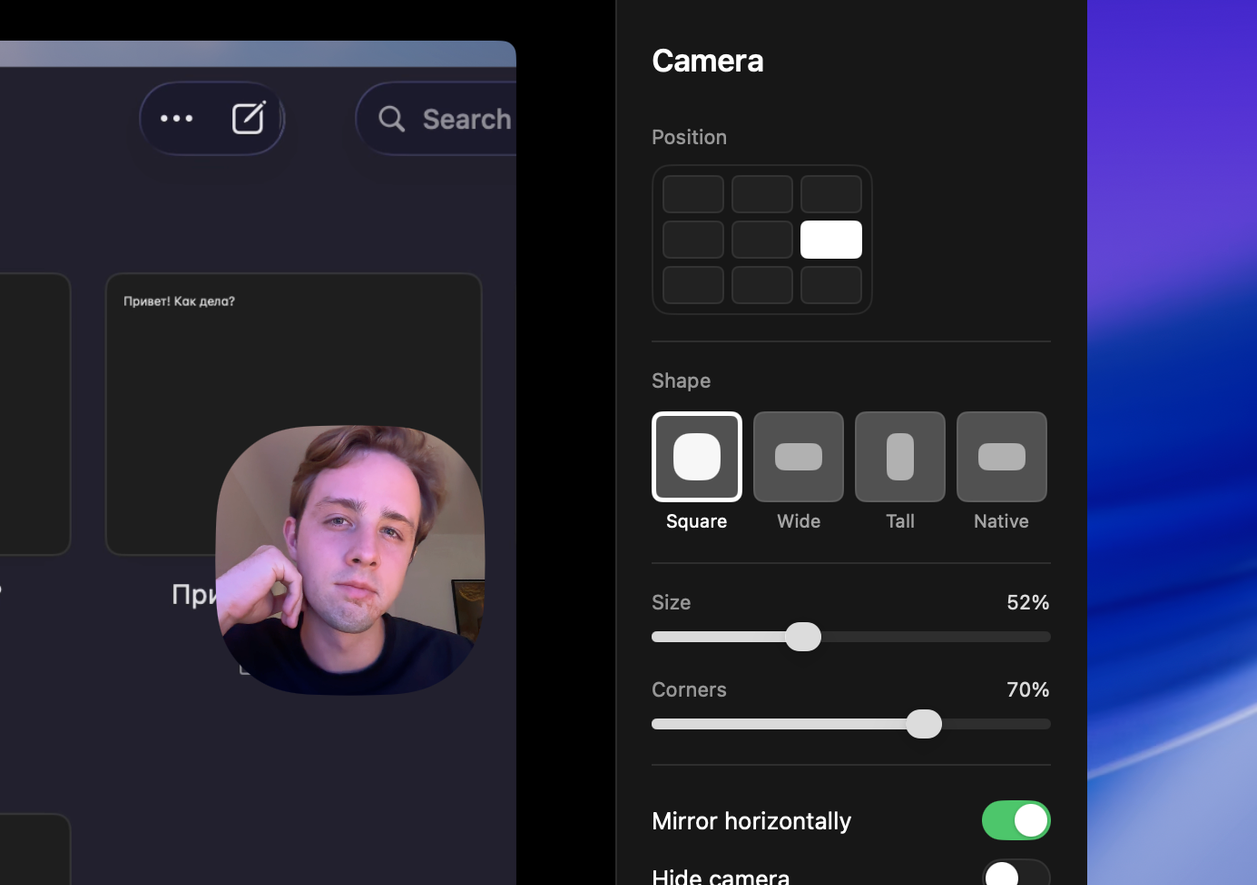
Record & adjust your camera
Your selfie overlays the video and slightly zooms out to avoid covering your mouse cursor.
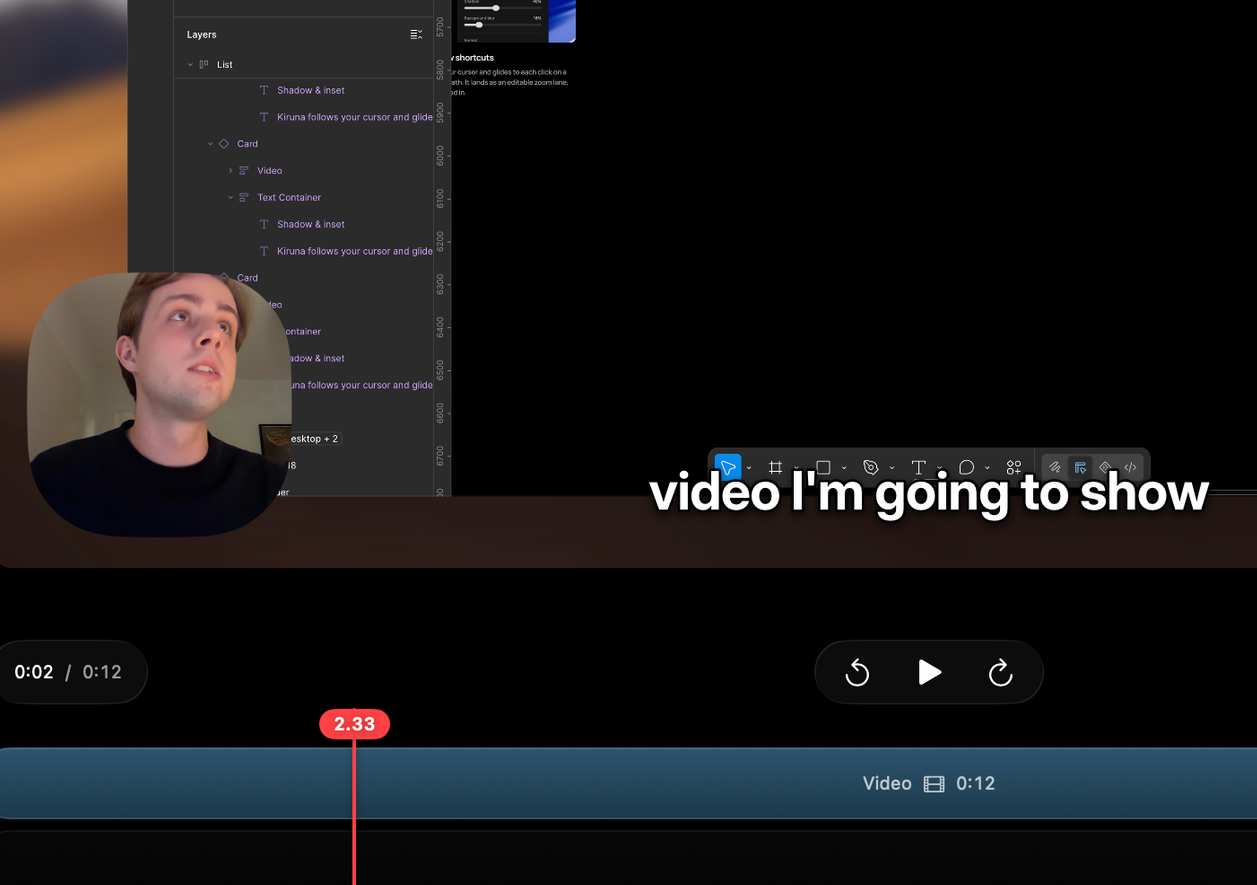
Generate transcript
Turn a take into subtitles. It is generated on your machine, so nothing is uploaded.
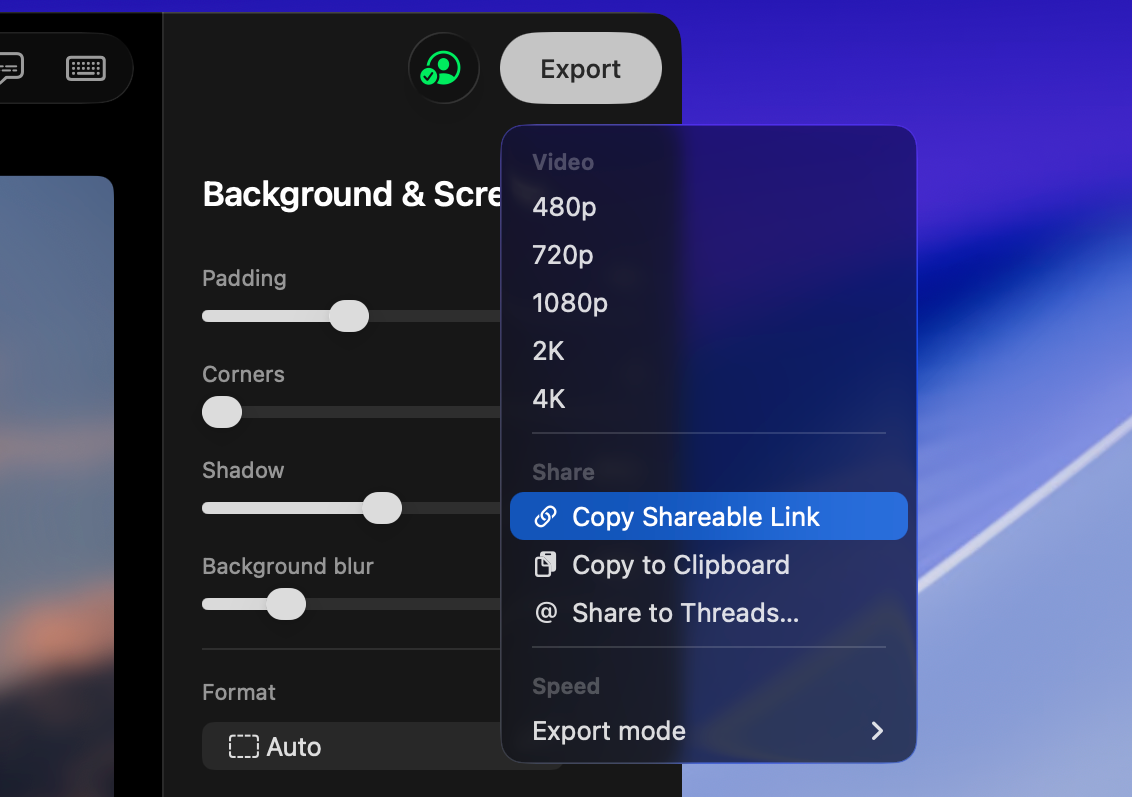
Share links
Quickly share your video with anyone by generating a link.
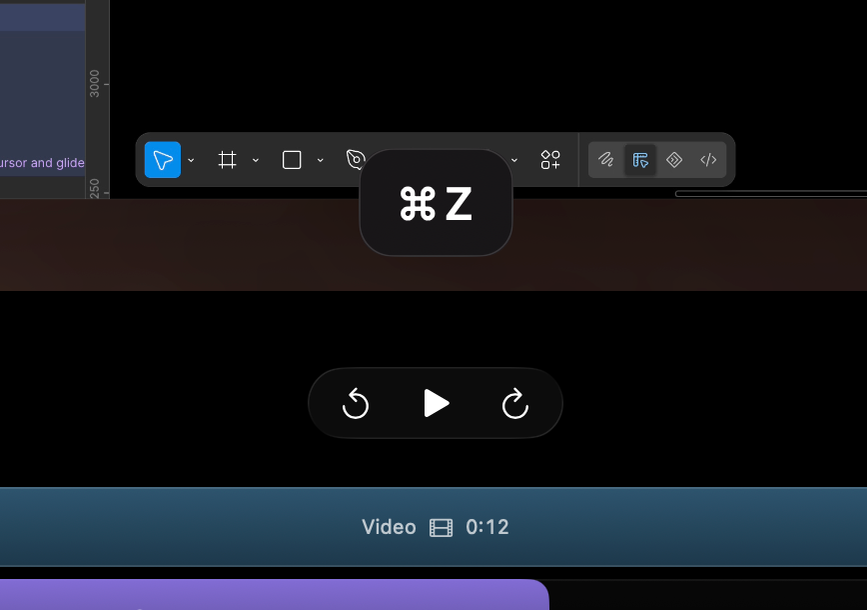
Record & show shortcuts
Recording a tutorial? Kiruna catches your keyboard shortcuts and shows them on screen.
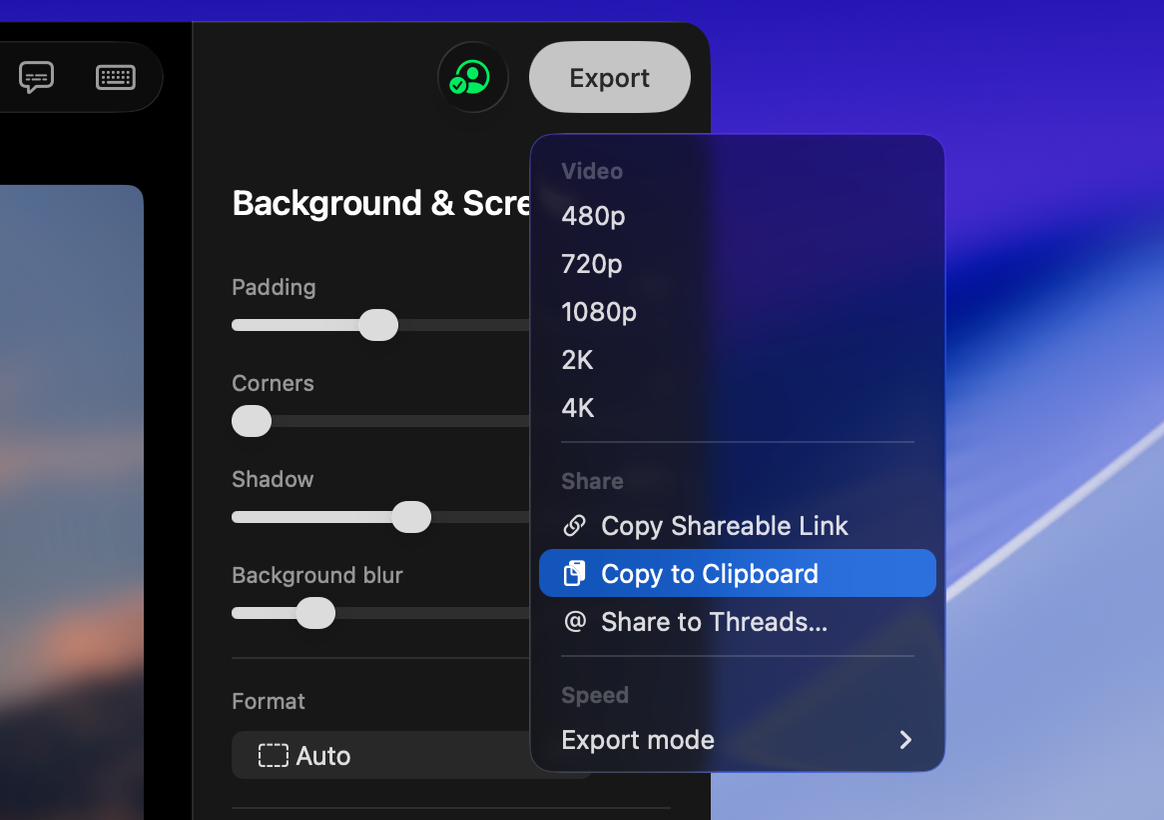
Copy to clipboard
Copy the take to your clipboard and paste it straight into a chat or a post.
Questions? Answered
Pricing
Billed monthly, cancel anytime
- Unlimited recordings
- Export in 1080p, 2K, and 4K
- Automatic click zoom
Billed once a year
- Unlimited recordings
- Export in 1080p, 2K, and 4K
- Automatic click zoom
Pay once, yours forever
- Unlimited recordings
- Export in 1080p, 2K, and 4K
- Automatic click zoom