Kiruna is downloading.
Just a few steps left.
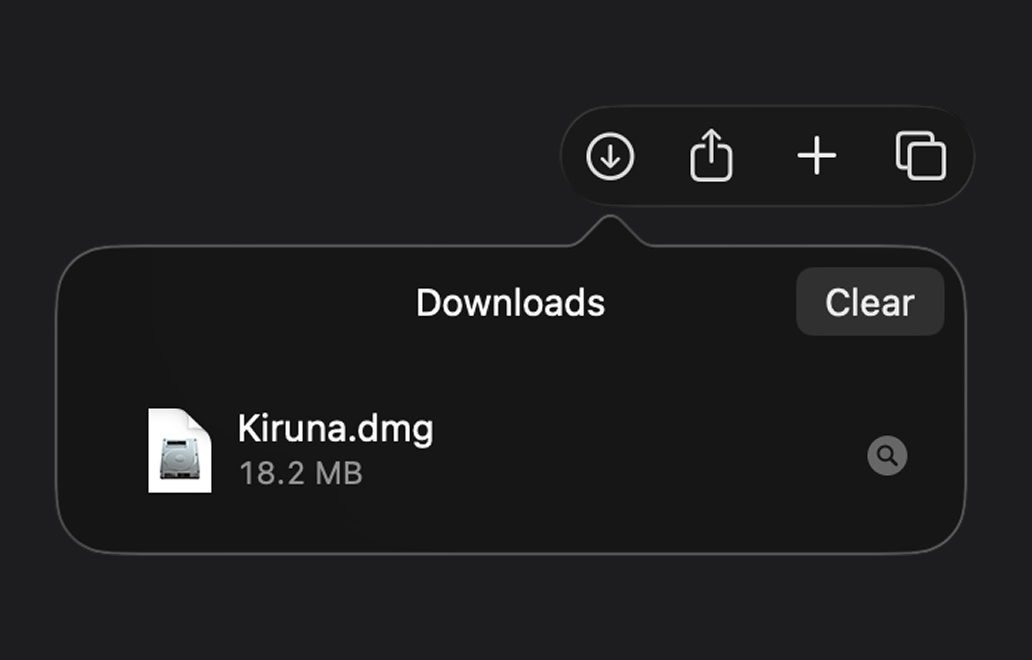
Step 1
Open
Open the Kiruna.dmg file from the downloads list.
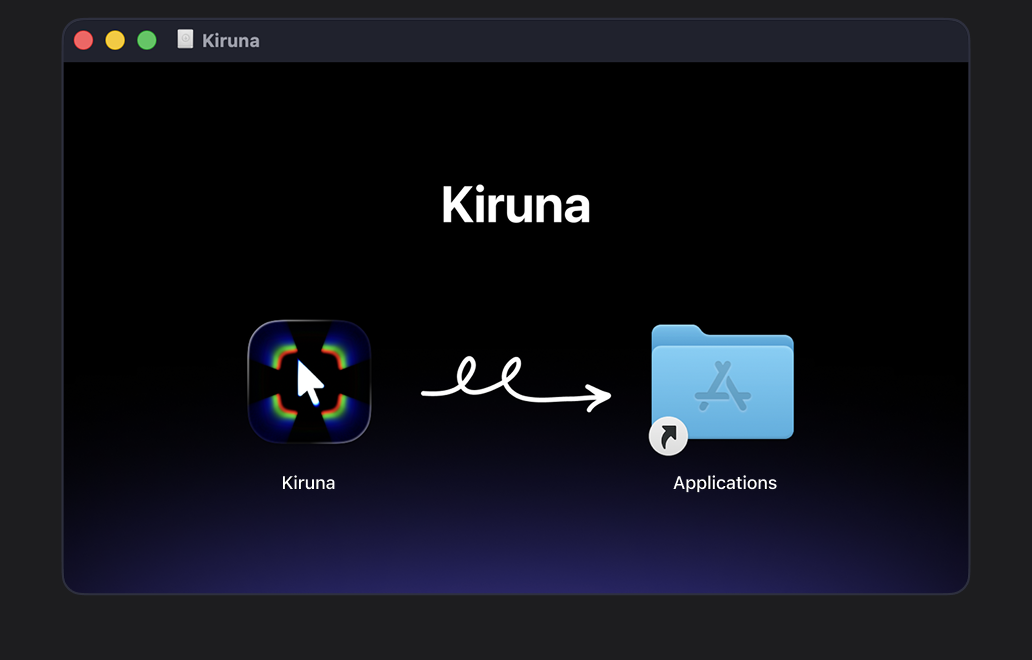
Step 2
Install
Drag and drop Kiruna to the Applications folder.
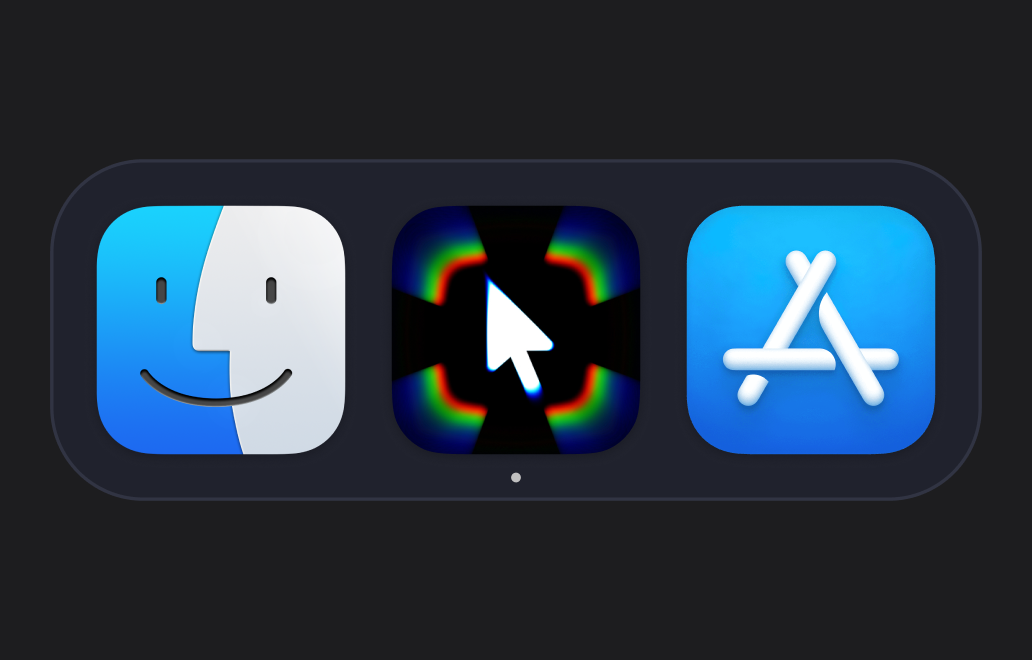
Step 3
Launch
Open the Launchpad or Spotlight, type Kiruna and launch the app.
Your download starts automatically.
If it didn’t start, download Kiruna manually